
Technology surrounds us everywhere—from the phones in our pockets to the computers we use at work or school. While many people grow up using these tools, beginners often find themselves unsure of where to begin. The good news is that learning technology doesn’t require advanced skills or technical knowledge. With a simple, step-by-step approach, anyone can build confidence and become comfortable using everyday digital tools. This guide presents easy tech tutorials for beginners to learn at their own pace.
Table of Contents
Starting with the Fundamentals of Technology

Before exploring devices and applications, it’s helpful to understand what technology actually means. In simple terms, technology includes tools and systems that make tasks easier, faster, and more efficient. Devices like smartphones, laptops, and tablets rely on software to function, allowing users to perform activities such as browsing the internet, writing documents, or communicating with others.
Becoming familiar with these terms reduces confusion and helps create a strong foundation for further learning.
Learning to Use a Smartphone with Confidence

Smartphones are one of the most accessible pieces of technology and often serve as a starting point for beginners. The first step is to understand basic functions like making calls, sending messages, and saving contacts. These tasks are simple but essential for everyday communication.
Once comfortable with the basics, users can explore additional features such as the camera, settings, and notifications. Adjusting settings like brightness, sound, and internet connectivity can improve usability. Another important skill is downloading and using apps. Beginners can start with commonly used apps such as messaging services, maps, and web browsers to understand how applications work.
Getting Familiar with Computers and Laptops

While smartphones are convenient, computers offer more advanced capabilities. Beginners should begin by learning how to operate the device—turning it on and off, using the keyboard, and navigating with a mouse or touchpad. Understanding the layout of the screen, including icons and menus, is essential for smooth navigation.
File management is another key skill. Learning how to create folders, save files, and organize documents helps users keep their work structured. Basic programs such as word processors and internet browsers are also important tools that allow users to complete everyday tasks efficiently.
Exploring the Internet Step by Step
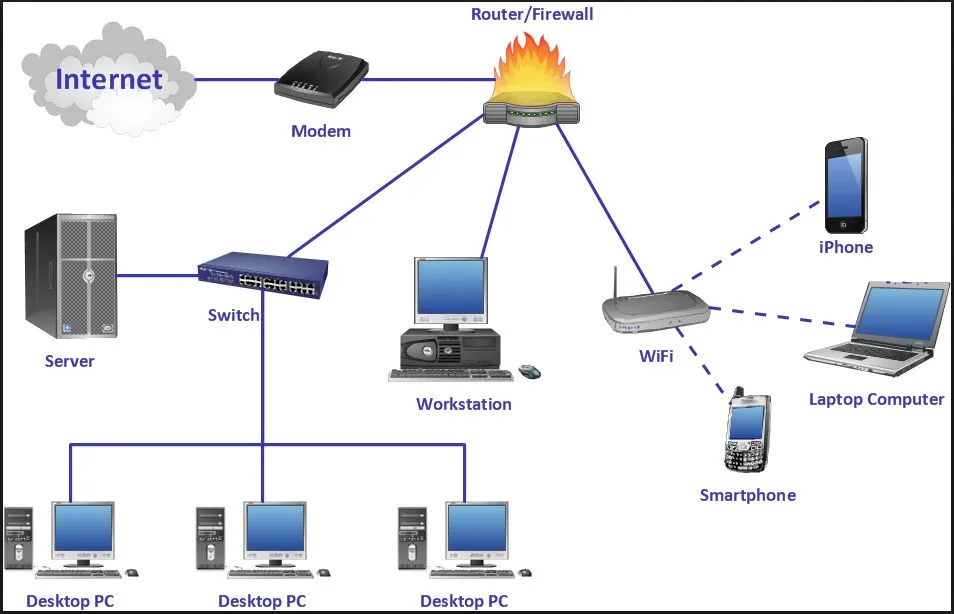
The internet is a vast resource filled with information, entertainment, and communication tools. Beginners can start by opening a web browser and learning how to search for information using simple keywords. Practicing searches helps users understand how to find reliable content online.
At the same time, it is important to use the internet safely. Avoid clicking on suspicious links or downloading unknown files. Protecting personal information and creating strong passwords are essential habits. Being aware of online risks ensures a secure and positive experience.
Creating and Using Email for Communication
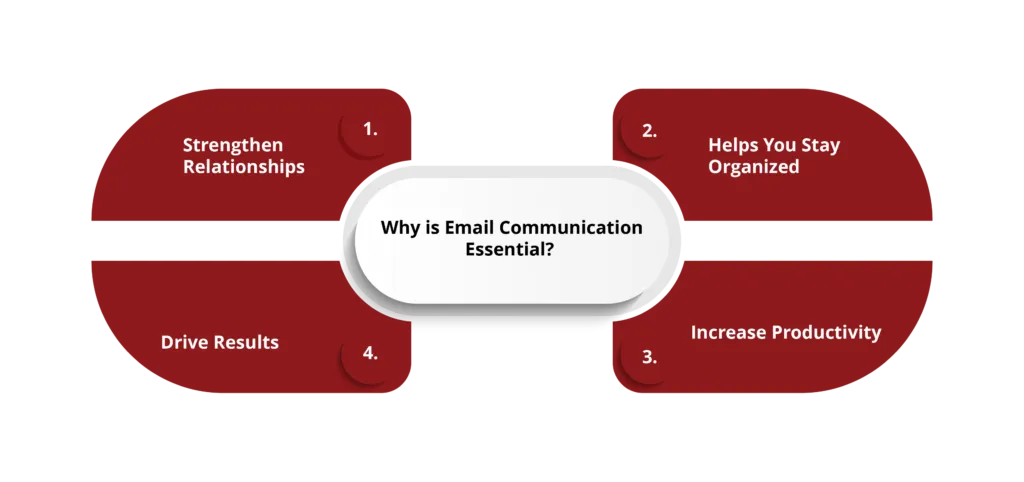
Email remains one of the most important tools for communication in both personal and professional settings. Beginners should learn how to create an email account, send messages, and attach files. These skills are useful for staying connected and sharing information.
In addition to email, modern communication includes messaging apps and video calls. Learning how to use these platforms allows users to interact in real time. Features like voice messages, group chats, and video meetings make communication more dynamic and engaging.
Discovering Helpful Apps and Digital Tools

After mastering the basics, beginners can explore applications that simplify daily tasks. Productivity tools such as document editors, spreadsheets, and note-taking apps are especially useful for organizing work and managing information.
Entertainment apps also play a role in learning technology. Streaming music, watching videos, or playing simple games can help users become more comfortable navigating digital platforms. Understanding how to install and update apps ensures that devices remain efficient and secure.
Understanding Cloud Storage and Sharing Files
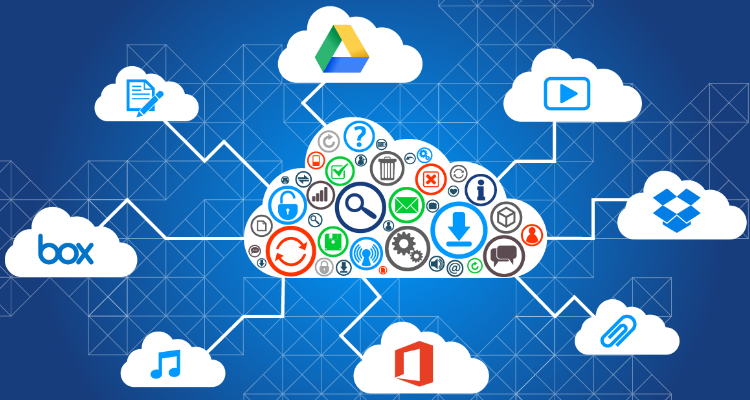
Cloud storage is a modern solution for saving and accessing files. Instead of storing data on a single device, users can save files online and access them from anywhere. Beginners should learn how to upload, download, and organize files in cloud platforms.
Sharing files is another valuable feature. Whether it’s sending photos or important documents, file sharing makes collaboration easy. Knowing how to share files securely ensures that information is protected while remaining accessible.
Handling Common Tech Problems with Ease
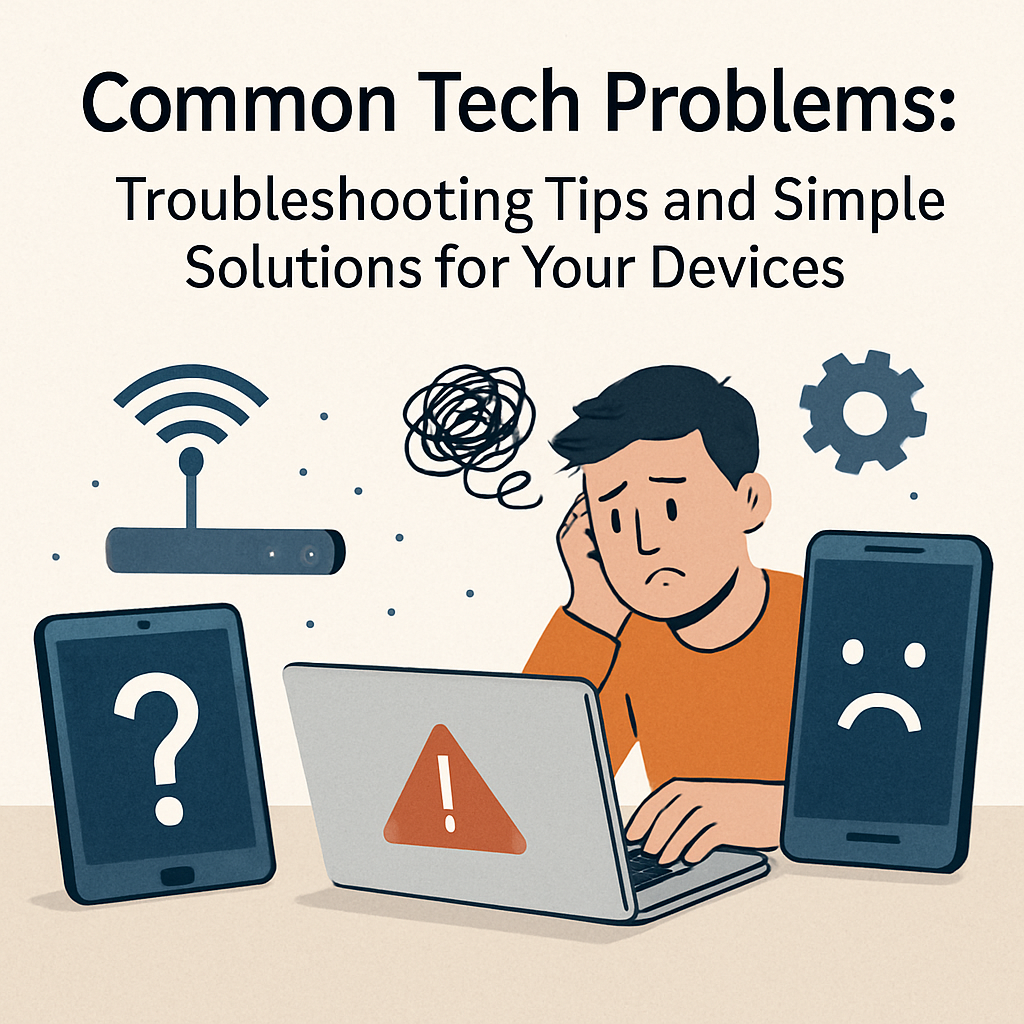
Technology can sometimes be unpredictable, but many issues have simple solutions. Beginners should learn basic troubleshooting techniques such as restarting devices, checking internet connections, and updating software.
When problems arise, searching for solutions online can be helpful. Many common issues are widely discussed, and step-by-step solutions are often available. Learning how to solve small problems independently builds confidence and reduces reliance on others.
Keeping Up with New Technology

Technology is always changing, with new features and updates being introduced regularly. Beginners should develop the habit of staying curious and exploring new tools. Watching tutorials, reading guides, and practicing regularly can help users stay informed.
However, it’s important not to feel overwhelmed. Focus on learning tools that are useful for daily life. Gradual learning is more effective than trying to understand everything at once.
Building Skills Through Regular Practice

The most effective way to learn technology is through consistent practice from Easy Tech Tutorials for Beginners. Beginners should spend time exploring their devices and trying new features. Mistakes are a natural part of the learning process and should be seen as opportunities to improve.
Setting small, achievable goals—such as learning a new app or completing a simple task—can make progress more noticeable. Over time, these small steps lead to greater confidence and skill.
Conclusion
Technology may seem complex at first, but it becomes much easier with patience and practice. By starting with the basics and gradually exploring new tools, easy tech tutorials for beginners can develop the skills needed to navigate the digital world. Smartphones, computers, and the internet are designed to make life easier, and understanding how to use them effectively opens up many opportunities.
With a positive mindset and a willingness to learn, anyone can become comfortable with technology. Step by step, beginners can transform uncertainty into confidence and make the most of the digital tools available today.
FAQs ( Frequently Asked Question )
1. What are easy tech tutorials for beginners?
Easy tech tutorials for beginners are simplified tutorials that teach beginners the fundamentals of technology.
2. Why are easy tech tutorials for beginners necessary?
They make it easier for beginners to learn about technology rapidly and confidently without technical expertise.
3.What can one learn using easy tech tutorials for beginners?
One learns about applications, gadgets, AI basics, and internet essentials using easy tech tutorials.
4. Who should use easy tech tutorials for beginners?
Everyone who is new to technology and wishes to develop basic technological skills should consider using easy tech tutorials for beginners.
5. Will easy tech tutorials for beginners be relevant in 2026?
Absolutely, beginners will learn how to navigate modern technology trends such as AI and automation through easy tech tutorials.


